
Use tkit.ai workspaces to keep products, brands, clients, and support conversations cleanly separated — with clear ownership for every message.
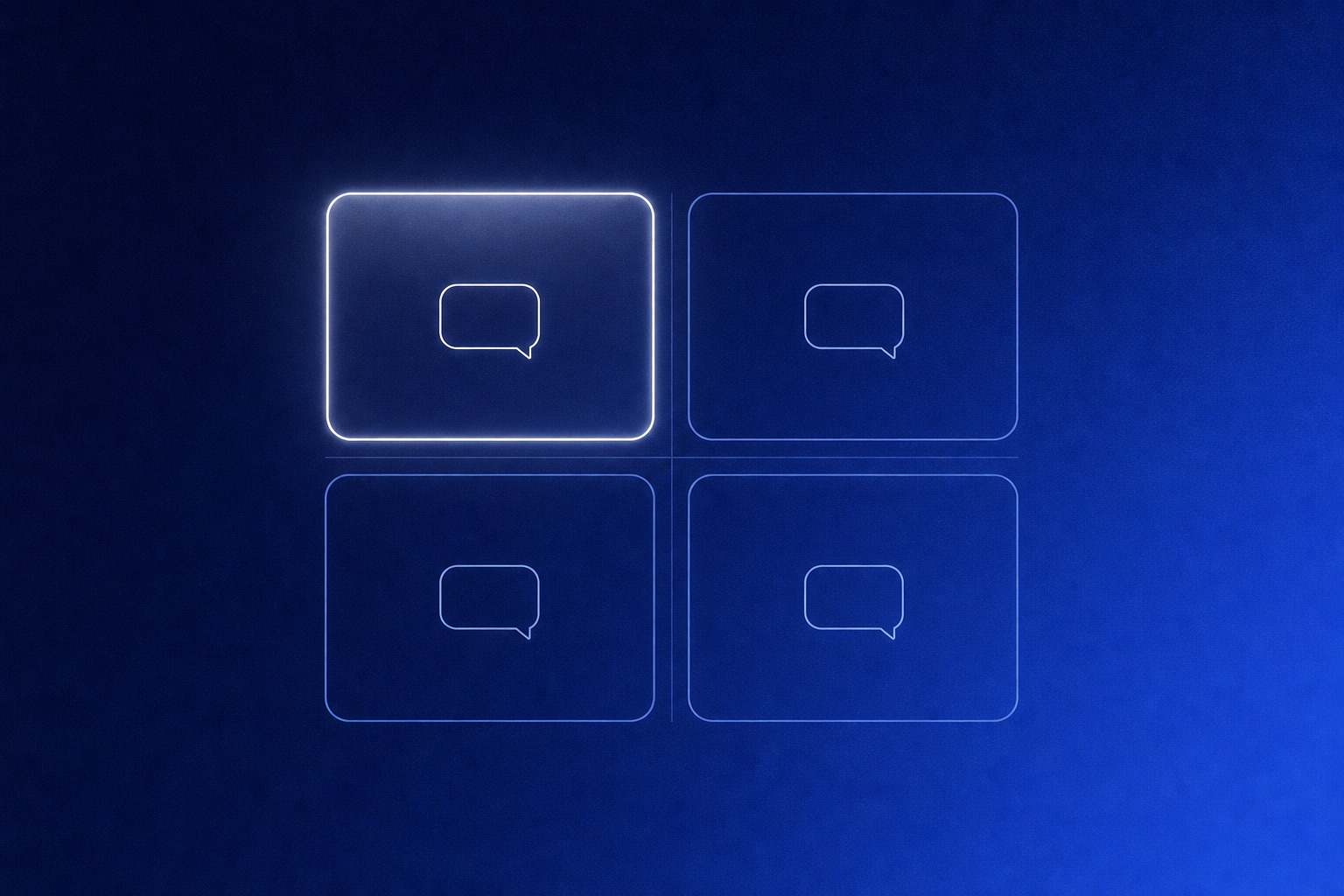
A shared inbox gets messy when every product, brand, and client shares the same space. The messages may all be customer conversations, but they rarely need the same teammates, widget settings, or context.
That is why tkit.ai is built around workspaces.
A note from building tkit.ai
In tkit.ai's own data model, the inbox, members, widget configuration, and plan limits all resolve through a workspace. We chose that boundary because a label or saved view cannot provide the same isolation. For operators, the practical takeaway is simple: create another workspace when access or configuration should differ, not merely when you want another category.
What is a workspace?
A workspace is a clean boundary for support. It holds the conversations, teammates, and widget settings for one product or operating unit.
Use one workspace when your team has one website and one support flow. Use more than one when you need separation.
When to create another workspace
Create a separate workspace when the support context changes enough that shared settings would create confusion.
Common examples:
- You run multiple products with different customers
- You manage websites for clients
- You have separate brands under one company
- You want staging and production conversations separated
- You need different teammates on different inboxes
The test is simple: if a teammate would ask "which product is this for?" before replying, it probably deserves its own workspace.
Keep support ownership obvious
The biggest benefit of workspaces is not just organization. It is ownership.
When each workspace maps to a clear product or client, the team knows where new messages belong and who should answer them. That reduces the quiet drift where tickets sit unread because everyone assumed someone else had context.
Name workspaces for humans
Use names your team would say out loud. Product names, client names, or brand names usually work better than internal project codes.
Good workspace names:
- Acme App
- Agency Client Portal
- Northstar Marketing Site
- Staging
Less useful names:
- Production 2
- Web
- Main
- Support
A workspace name should make the next action easier, not require a lookup.
Start simple
You do not need a complicated workspace strategy on day one. Start with one workspace for the product you are actively supporting — follow the install guide to connect it. Add more only when the next product, client, or environment would make the original inbox unclear.
Good support systems stay useful because they stay understandable.
Frequently asked questions
How many workspaces do I need?
Start with one per actively supported product. Agencies typically use one per client; multi-brand companies use one per brand. Add a workspace only when mixing conversations would confuse the team.
Can teammates belong to multiple workspaces?
Yes. Access is set per workspace, so a founder can see everything while a client-facing teammate only sees that client's inbox.
Should staging have its own workspace?
If real testers send messages from staging, yes — it keeps test conversations out of your production metrics and inbox.
New to tkit.ai? Read what tkit.ai is or jump straight to the widget install guide.
For the daily routine inside a workspace, use the founder-led support workflow: triage, coverage, customer updates, and a manual handoff checklist.